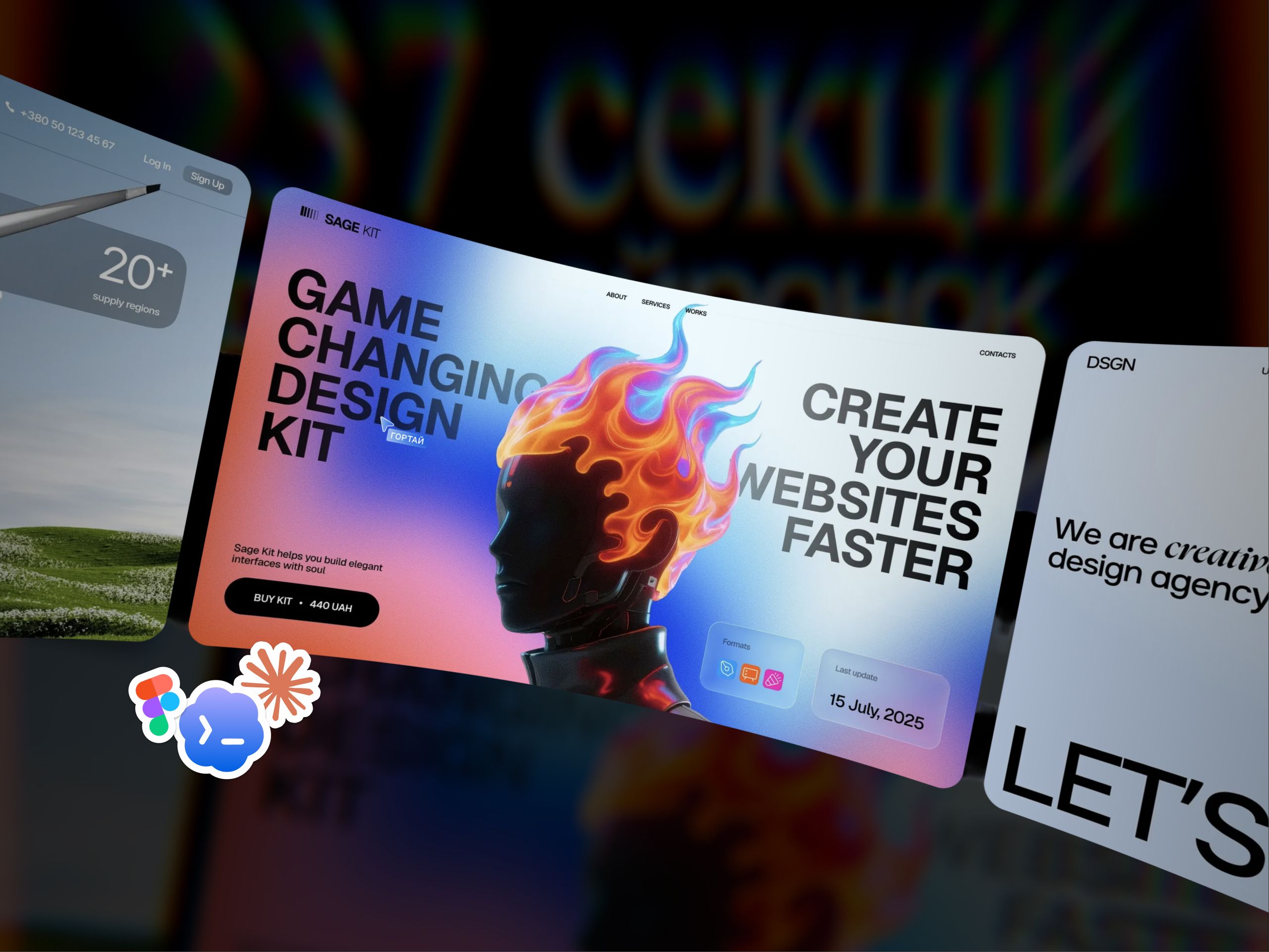
How I built a site with AI. And why one button got its own mini-project

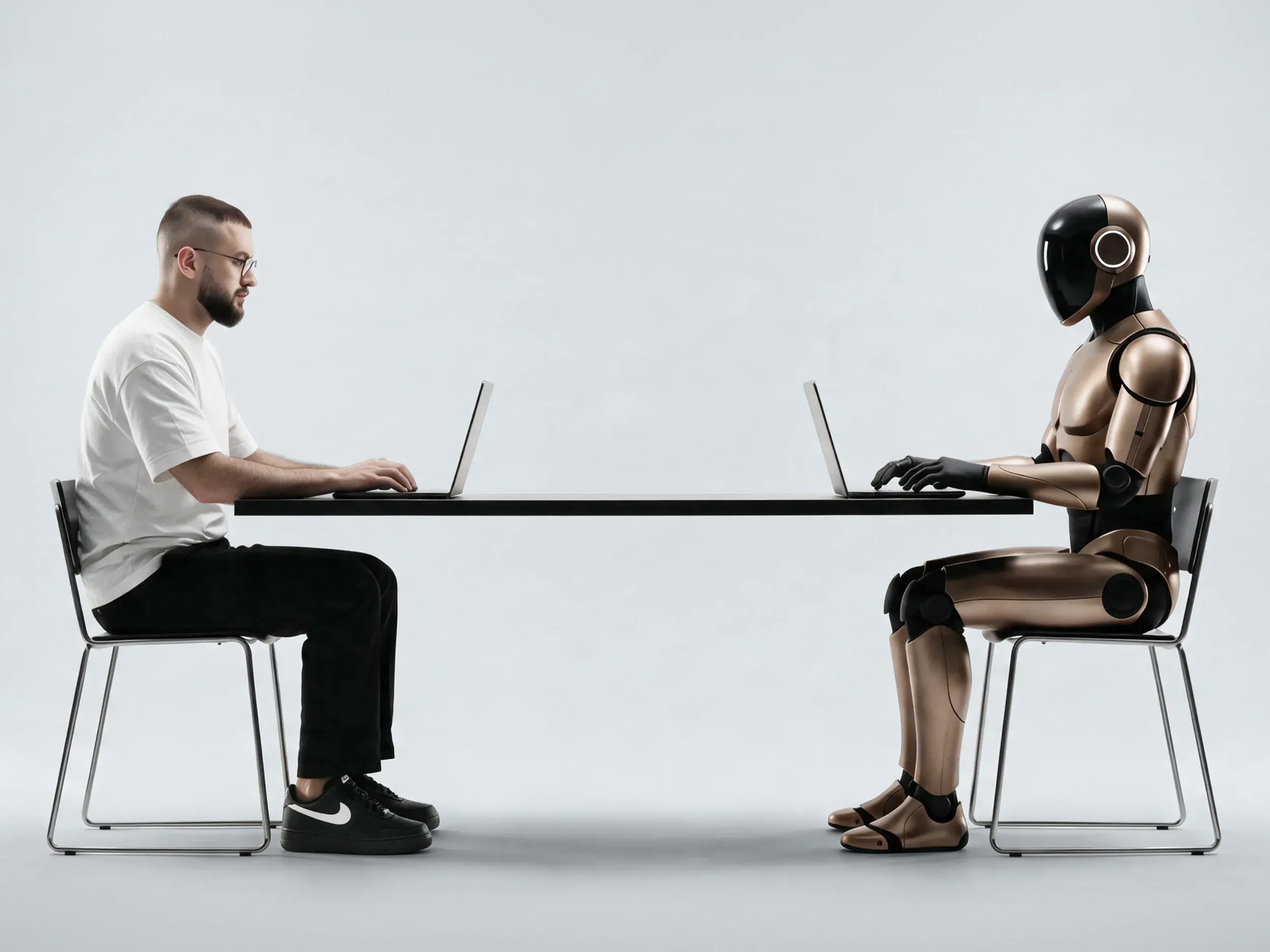
My first site built with AI: from a Figma mockup to my own admin panel. With edits, neural network limits, and a dedicated lab for one button.
How I built my site dimadiuh.com with AI. Showing the Designer + AI design process on this example: from research and design in Figma to development and the admin panel. Real timelines and pre-launch checks.
Table of contents
I spent about four hours designing the homepage and journal for my site. Development took about a week, and content took a few more days. That part, by the way, is still ongoing.
Along the way, one glass button got its own mini-project with sliders to fine-tune the effect. If you've worked with designers, this part of the story probably didn't surprise you.
I've been doing UX/UI design for ten years, and dimadiuh.com became my first full-fledged site built with AI. I was curious to see how much I could handle myself: from layout and animations to the database and admin panel.
I managed to build a lot. But explaining exactly what I wanted was a regular part of the process.
From Webflow and handing off mockups — to building with AI
Before this, I worked with Webflow. It lets you build a site through a visual interface while still understanding HTML and CSS logic fairly well. For a designer, it's a convenient way to go from a mockup to a working page.
But my tasks kept running into limitations. I wanted more control over optimization, the technical side, and site features. Sometimes I had to find a workaround, sometimes I had to adjust the idea to fit the platform's capabilities.
I handed off more complex projects to developers. Along with mockups came specs, explanations of interactions, clarifications, and revisions. Explaining that a button should move "a bit softer" but still "feel more confident" was its own genre. To the developers who worked with me: yes, I get it. Hang in there.
With AI, those explanations are still there — they just go to a neural network now. I can clarify the character of every button as many times as I want without testing a real person's patience. The AI does have a limit too, though. It's called "you've hit your quota."
After building dimadiuh.com, I realized that for my own site I could do without a Webflow subscription. Now I run the project through to launch myself and can test my decisions directly in the browser.
How AI helps me with research and design
AI shows up in my process even before the first mockup. Before the briefing, I do desk research: I dig into the client's business and their request. The AI helps me find materials faster, gather links, and structure information. Based on that, I prepare questions for the specific project.
After the briefing, more in-depth research begins. I check everything gathered, refine the conclusions, and put together a presentation for the client. Here, AI takes on part of the searching and organizing of materials. It's still on me to decide what actually relates to our task. Even a paragraph written with great confidence sometimes needs fact-checking.
Separately, I do my own trend-watching: I look for visual solutions, interesting interactions, and techniques we could use. I check whether they actually fit the product and audience. A beautiful animation in a reference doesn't mean it belongs next to the payment button.
This is how the design strategy comes together: who we're building the site for, what we show, what arguments we use, and how we structure everything.
I draw the design concept myself in Figma. Usually it's the whole homepage, or at least most of it. At this stage I define the look of the site, the composition, and the typography. Then, with AI and Figma MCP, I put together the design system: styles, tokens, and rules for the next screens.
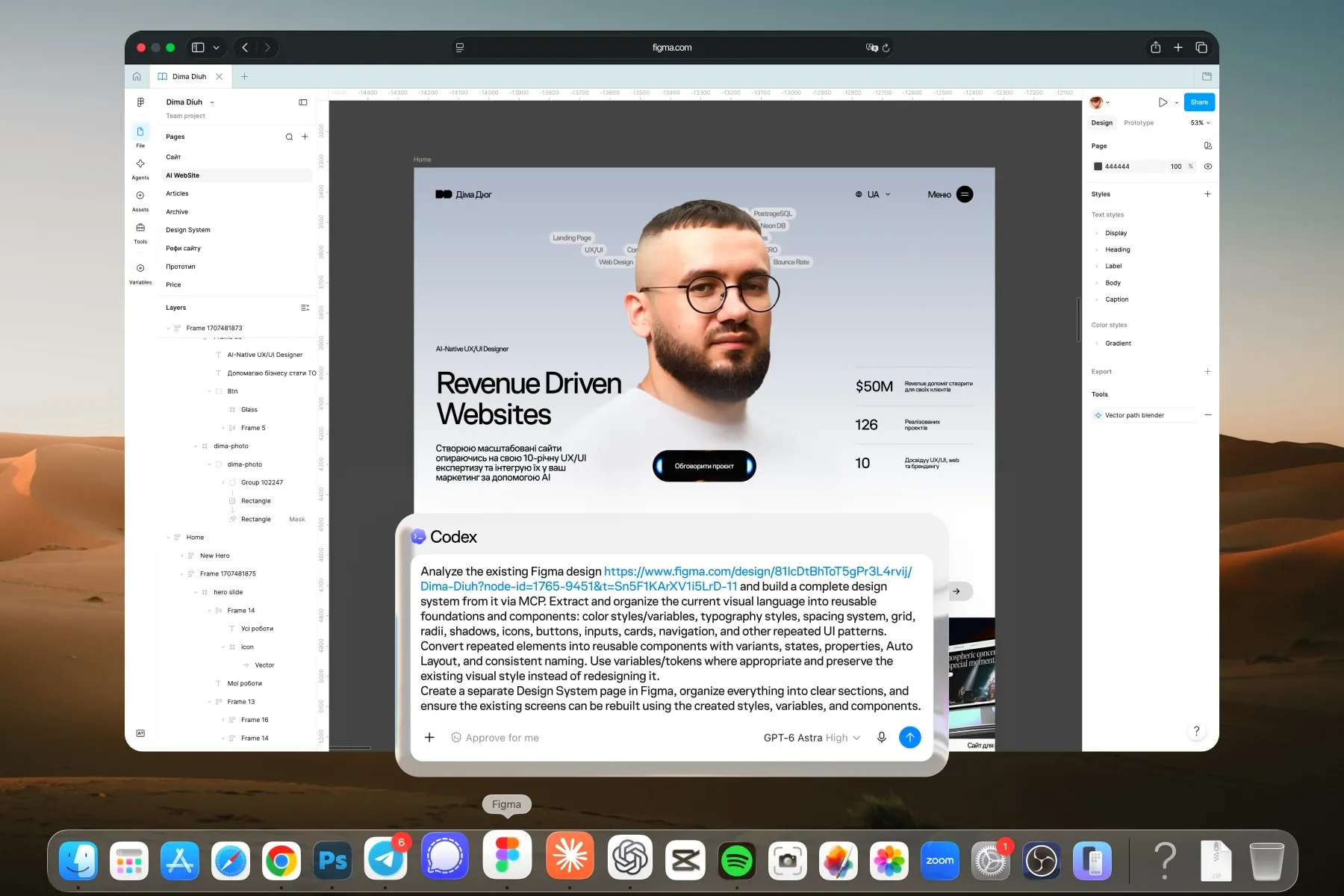
From there, I can finish the rest of the pages in Figma myself or move on to development based on the finished concept. AI also helps me pick the right stack.
I build the layout section by section. I give it the mockup, explain how the elements should behave, check the result, and come back with revisions. This way it's easier to catch inaccuracies before they carry over to every other page.
Design details take up the most time to explain. You can show spacing in a screenshot. A sense of smoothness is harder. Sometimes it takes videos, references, and several attempts before the motion is exactly what I had in mind.
A glass button with its own lab
That's why the glass button ended up with its own mini-project.
I designed its look in Figma. I wanted to recreate a specific glass effect on the site: refraction, dispersion, reaction to the cursor. I found a base using an SVG filter and started from there.
The result got close to what I had in mind, but I still wasn't satisfied. So I asked AI to build this exact button in WebGL, specifically emphasizing smoothness and optimization.
To make it easier to find the look I wanted, I first created a separate mini-project with sliders. I used them to adjust the effect and interaction animations and saw the changes instantly. The button got its own lab, and I got the chance to explain less and try more.
Once I liked the result, I asked to have it integrated into the site. That's where the behavior was added: on scroll, the button shrinks and sticks to the bottom of the screen, and clicking it opens the form with an animation.
Previously, I would have had to commission this kind of implementation from a developer separately. With the glass effect, cursor reactions, sticking behavior, and the transition into the form, that's already a separate task with its own budget. Say, a hypothetical $500 — I never actually got a real quote for it.*
In a designer's head, it's still "just a little button." In the spec, it already has a biography of its own.
With AI, I was able to go through all the iterations myself and fine-tune the result. I put in my own time, paid for the tools, and gave a suspicious amount of attention to how light bends.
* $500 is an illustrative budget: for example, 10 hours at a hypothetical rate of $50/hour. The actual labor cost of this task with a hired professional was never assessed.
How I discovered my own admin panel
But what surprised me the most was the admin panel.
Here I felt like Columbus: I discovered a whole continent of possibilities where developers had long been living and working, keeping designers out, but time moves on, and we've made it here too.
Turns out I can add a feature to the admin panel built around my own workflow. For example, I needed bulk image compression, which I was used to from Webflow.
I showed the AI where I wanted this feature, described the task in plain words, and asked it to suggest a format. That's how the tool I needed showed up in my admin panel. I'd call this expedition a success.
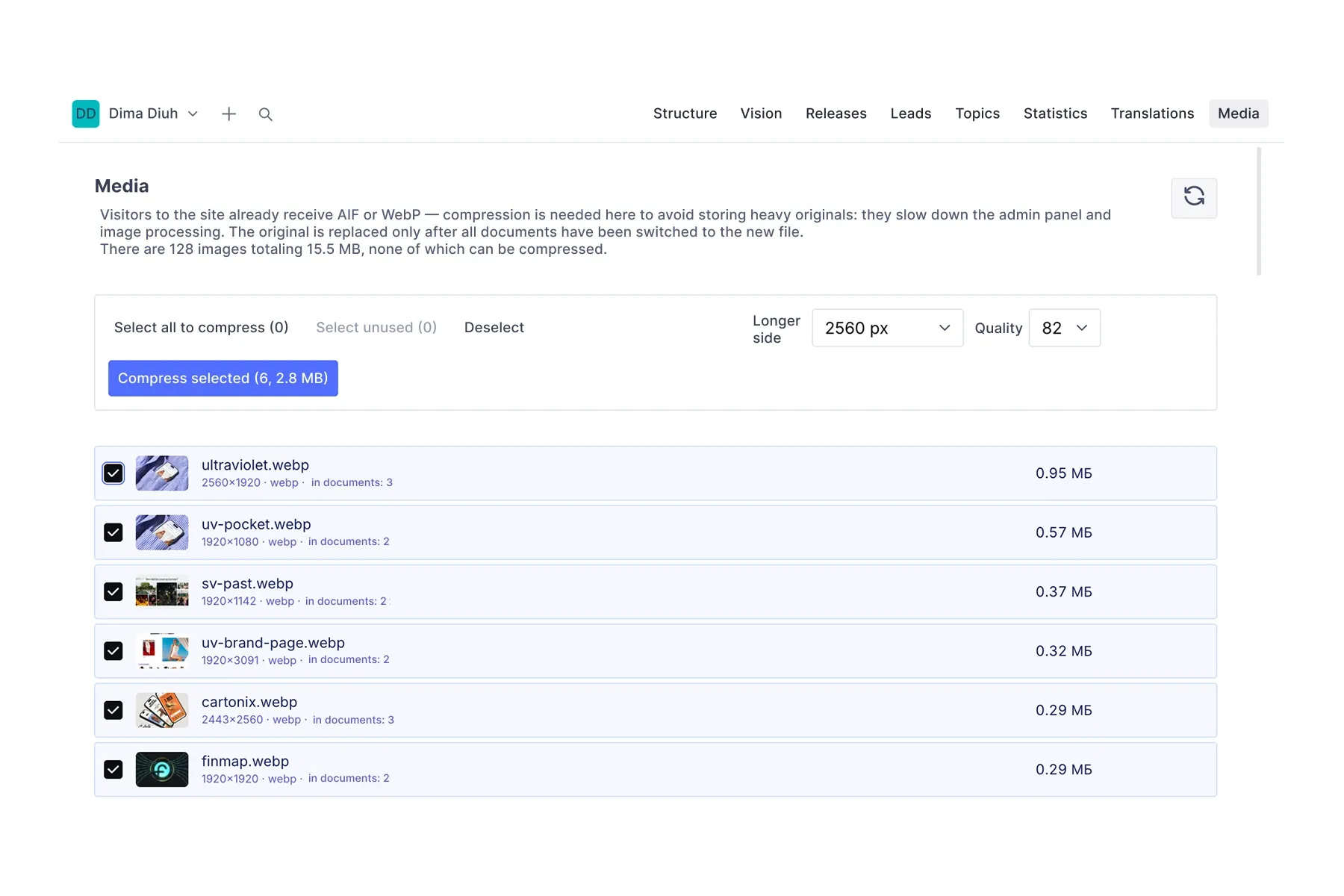
I made similar discoveries with the database, site updates, and bug fixes. Technical things that used to stay hidden under the hood became more accessible. Sometimes the AI even finds a problem on its own during a check.
How much time the site actually took
The technical side is where I felt the biggest time savings: layout, setup, deployment, hosting, and updates. But the numbers from the start of this article need some explaining.
The four hours of design cover the homepage and the journal. I was building the site for myself, the concept was fairly simple, and the main focus went into micro-animations and technical capabilities.
The week of development is a calendar span with pauses caused by AI tool limits. I later continued the work in Claude Code. Without those pauses, I think I would've finished faster, but I didn't track working hours separately.
Then came the content. Another three to four days went into graphics, video, and materials for the case studies. And the work is still ongoing. The short line "add content" in the plan looked a lot more modest than it turned out to be.
So I wouldn't apply these timelines to any client project. Every other project comes with its own research, approvals, and scope of work. Even with the layout ready, the materials won't prepare themselves.
What I check myself. And yes, I don't read the code
Before launch, I personally check performance, interface look, and usability. I go through the main scenarios, see if the elements work correctly, and whether the result matches the intent.
But I don't check the code itself. Developers can hate on me for this, but I don't have enough expertise to review it. I can, of course, put on a smart face in front of an open editor. It doesn't help much.
I leave technical checks to AI. Before release, I also ask it to check the project for possible security issues. I understand a neural network can miss an error, and more complex tasks may need a technical specialist involved.
What's changed for me and my clients
After launch, I keep refining the site. Somewhere I notice an inconvenience, somewhere I change the behavior or add a feature. Now I can go from "it would be nice if it worked like this" all the way to a working version myself and check whether it actually got better.
For me as a designer, this is a major shift. I can carry a project beyond the mockup and implement solutions that used to be handed off to another specialist. For the client, it's a chance to work with me from research to launch and discuss design and implementation in one continuous process.
AI already helps me at almost every stage. And attention is still needed: to check the research, think through the structure, shape the concept, and spot a clunky interaction. And to know when to stop fine-tuning a button. I'm still working on that last one.